 VERILUME
Data Operations
Duplicate Records Cost More Than They Look
Duplicates, inconsistent names and missing fields rarely cause one big failure. They make everyday work slower and reports harder to trust.
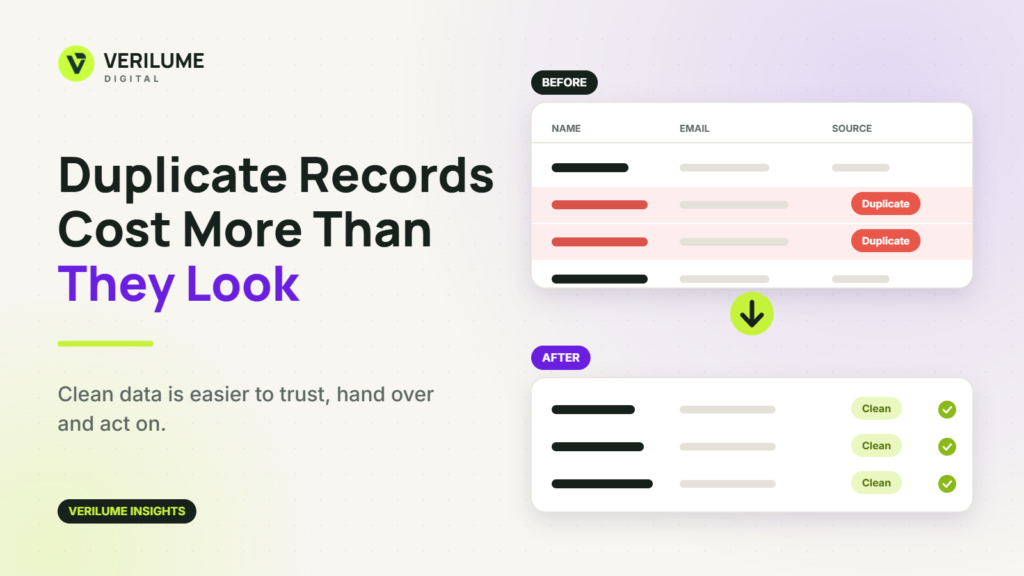
A few duplicate records can look harmless. A customer appears twice in the CRM. A company is spelled two ways in a spreadsheet. One contact has three slightly different phone numbers.
The cost shows up quietly. Two people follow up with the same lead. A report counts one customer as two. Someone spends an afternoon working out which version of a record is correct.
Where duplicates come from
Duplicates usually come from ordinary work: data typed by different people, lists merged from different sources, forms submitted twice, imports that did not check for existing records and company names written in several ways.
Nobody does anything wrong, which is why the problem keeps returning.
Decide what counts as the same record
Before cleaning anything, define a match. For people, it might be the email address. For companies, it might be the website domain. Names alone are risky, because two different businesses can share one and one business can use several.
Write the rules down so that the same decisions are made each time, and decide which record wins when two disagree: the newest, the most complete or the one with a verified contact.
Standardise the common fields
Inconsistent formatting hides duplicates. “Acme Ltd”, “ACME Limited” and “Acme” may all be the same company. Agree on a consistent style for names, phone numbers, addresses, job titles and country or state values, then apply it across the data. This is a core part of data cleaning.
Keep a copy before you change anything
Merge and delete steps are difficult to undo. Save a copy of the original data first, and record what was changed. If a mistake is found later, you can trace it.
Keep valuable details when merging
When two records are combined, do not just keep one and discard the other. Notes, activity history and the best contact details may be spread across both. A careful merge keeps the useful information.
Prevent the next round
Cleaning once is helpful. Preventing repeat problems is better. Require key fields on forms, use dropdowns where free text invites variation, check for existing records during imports and agree who is responsible for each data source. Good CRM data management combines tidy-up work with simple rules for entering data in the first place.
Check the result before you rely on it
After cleaning, review a sample by hand. Check that records were merged correctly, that important fields were preserved and that counts make sense. A short validation step builds trust in the result.
Make it a routine
Data does not stay clean by itself. A small regular review, monthly or quarterly depending on how fast your records change, is far easier than a large rescue project once a year.
Watch for look-alike records, not just exact copies
Exact duplicates are the easy part. Many records differ slightly: a nickname instead of a full name, an old company name, a missing middle initial or an email with a different domain. Automated matching can suggest these pairs, but a person should review the uncertain ones before anything is merged.
Merging two different people into one is harder to fix than leaving a duplicate for another day.
Involve the people who use the data
The people who work with the records every day know which fields matter and where errors cause trouble. Ask sales, support and operations what they check first, then make those fields the priority for cleaning and for entry rules.
When the people using the data help set the rules, the data tends to stay tidy because the rules reflect real work.
If your spreadsheets or CRM have become hard to trust, tell Verilume Digital what you are working with when you request a quote.